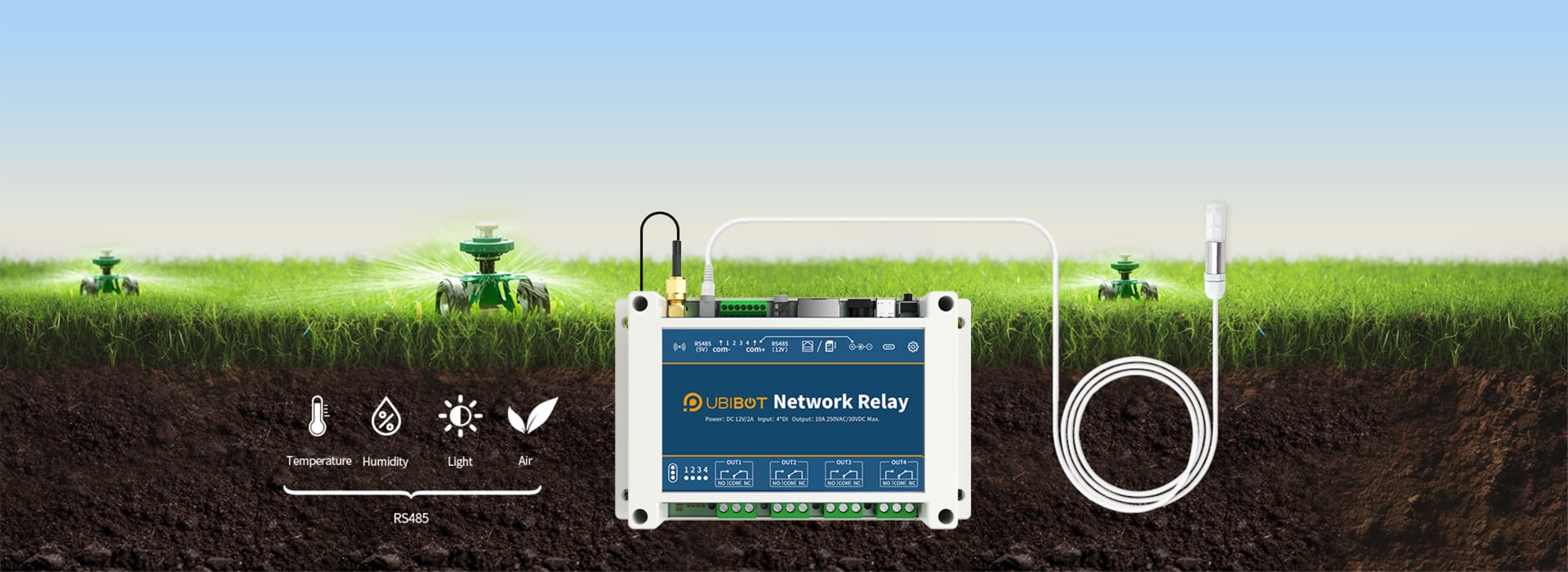
4 relay outputs and 4 digital inputs
WiFi, LAN or 4G, plus RS485 with Modbus RTU
Works with

The NR1 has 4 independent relays with NO, COM and NC contacts. You switch each one on and off from your phone or browser, one at a time or all together. The contacts are rated 250 V AC / 10 A or 30 V DC / 10 A and 100,000 switching cycles. You can connect a resistive load up to 5 A directly, and other loads up to 3 A. A motor, pump, heater or three-phase load is connected through a contactor. The user guide has wiring diagrams for 230 V and 400 V.
The NR1 works with the UbiBot cloud and without it.
You can join relays in a group in which switching one on switches the others off. This protects a roller shutter or fan motor from receiving both directions of rotation at the same time.
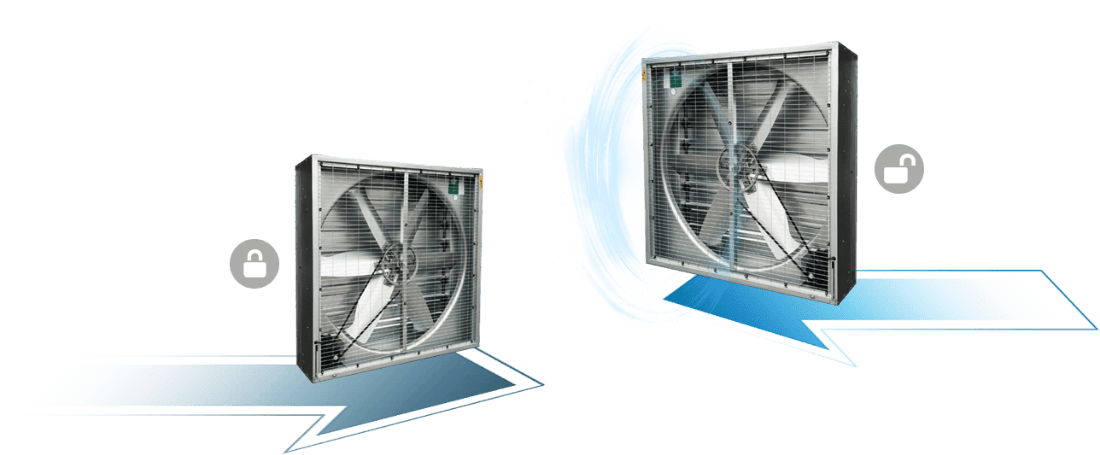
By default the NR1 works as a slave and responds to a master controller. In master mode it reads UbiBot RS485 probes itself, for example:
For several probes use a splitter, and for a longer run a 5 m extension. All of them are on the Accessories page.
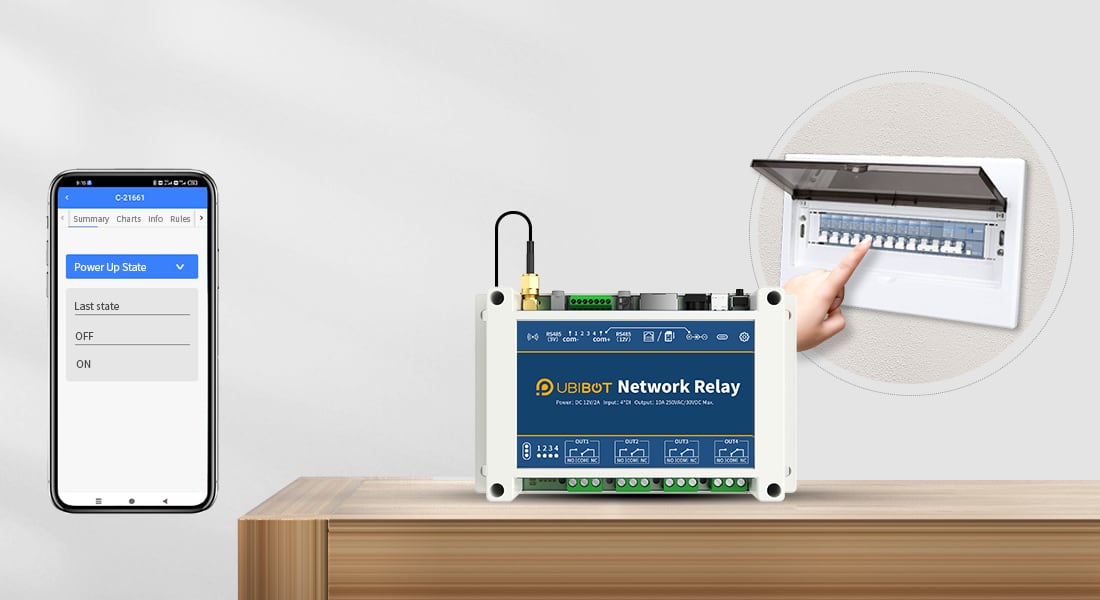
For each output you set what happens after a power cut or a restart: on, off or the state before the interruption. A gate will not open by itself when the power comes back.
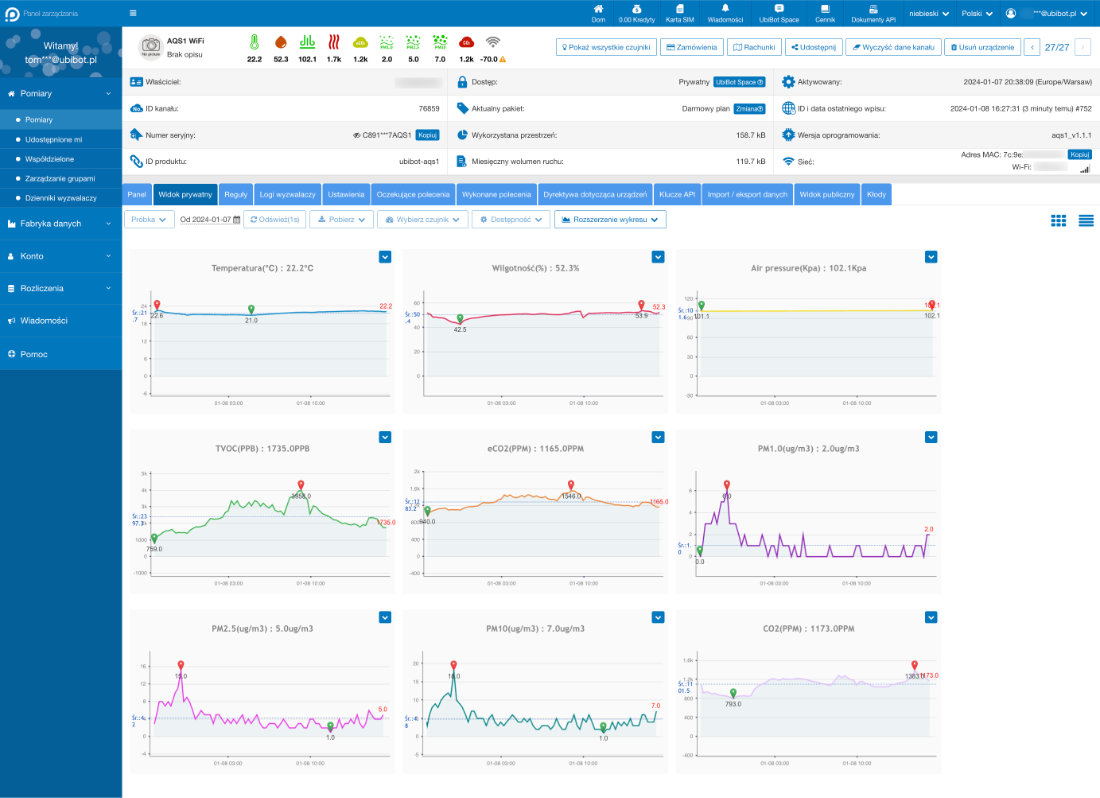
You see the state of the relays and inputs and the probe readings in the app and in the browser on the UbiBot platform. You download the history as CSV or PDF, and the data also through the API. The free cloud holds history from one year up to 2-3 years, depending on the number of events and the reading interval.
| Feature | NR1 |
|---|---|
| Versions | NR1 WiFi; NR1-ETH (WiFi and LAN); NR1-4G (WiFi and SIM) |
| Outputs | 4 relays NO/COM/NC, 250 V AC / 10 A, 30 V DC / 10 A, 100,000 switching cycles |
| Direct load | resistive up to 5 A, other up to 3 A; larger loads through a contactor |
| Inputs | 4 digital: dry contact or 5-12 V DC signal, optically isolated |
| Power | 12 V DC / 2 A (power adapter included) or USB-C |
| Ports | RS485 (Modbus RTU, slave or master), 12 V DC output, LAN on the NR1-ETH |
| WiFi | 2.4 GHz, 802.11 b/g/n, channels 1-13 |
| Dimensions | 145 × 90 × 40 mm |
| Operating conditions | -20 to +60 °C, 5-85 % RH non-condensing, indoors only |
| In the box | NR1, antenna, power adapter, user guide |
You get a notification in the app, by email, by SMS, via WhatsApp or by voice call when a probe reading crosses a threshold, an input changes state or the NR1 loses its connection. App and email alerts are free; SMS, calls and WhatsApp are paid in credits according to the UbiBot platform pricing.
UbiBot devices carry the CE mark and meet RoHS requirements. The manufacturer also lists market approvals such as FCC (USA), IC (Canada) and RCM (Australia).
Does the NR1 work without internet? Partly. Without the cloud, links between inputs and outputs and control over RS485 (Modbus RTU) keep working. Control from the phone, platform tasks and alerts need a connection.
What are the inputs for? For signals from other devices: a dry contact, for example a push button, a detector or a reed switch, or a 5-12 V DC voltage. An input can switch an output or send an alert.
Is there a subscription for the platform? No. The free plan covers the cloud, the app, control, and app and email notifications. Only SMS, voice calls and WhatsApp are paid.
We are Omnic, the authorised UbiBot distributor in Poland, and we sell to companies and private customers in all EU countries. We order the NR1 from the manufacturer for each order, in all versions. Tell us which version you need (WiFi, Ethernet or 4G) and where to deliver, and we will send a quote in EUR with the delivery time. EU companies with a valid VAT number are invoiced without Polish VAT.
Get a quote or write to [email protected]. Wiring and setup are described in the NR1 user guide (English).


 Polski
 Deutsch
 Pусский